
How It Works
Follow each step in Cards.
- Approval is an accountable decision and should retain its evidence.
- Avoid moving consequential decisions into disconnected email or chat.
- 01
Open the Review or Client Review Card and inspect the submitted work and criteria.
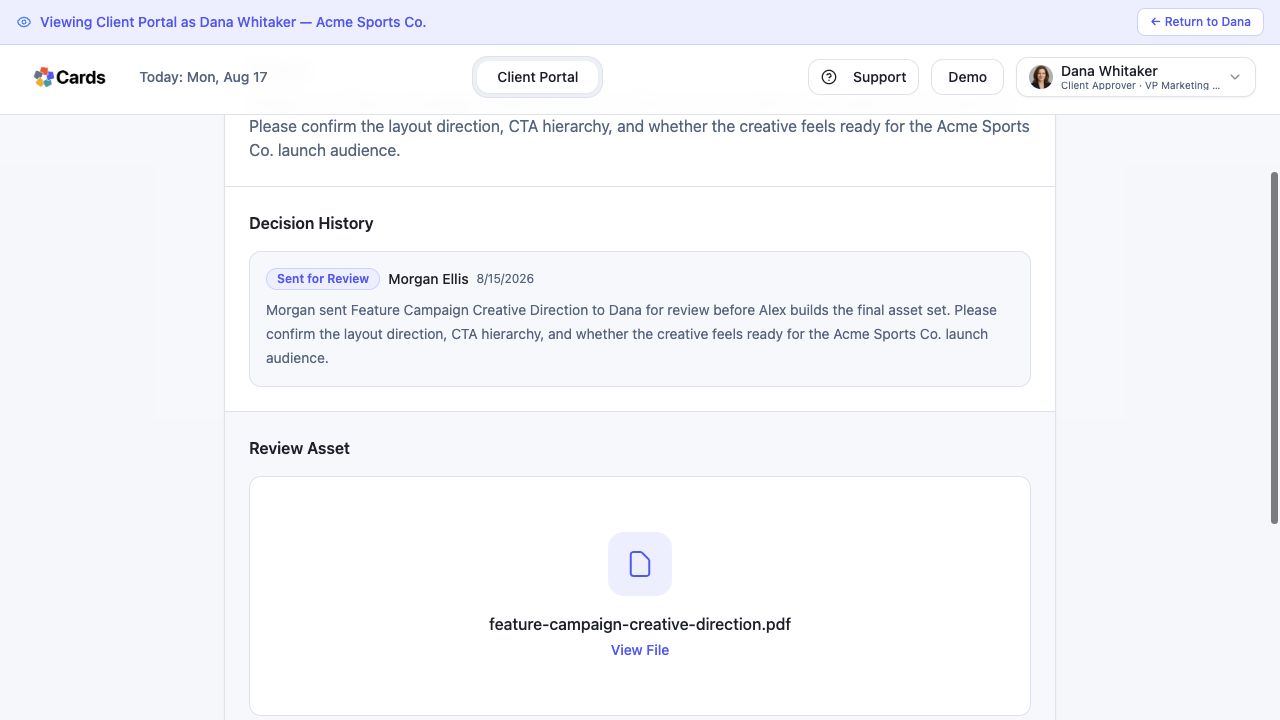 Inspect the review context and submitted asset
Step 1 screen focusOpen the Review or Client Review Card and inspect the submitted work and criteria. - 02
Review relevant comments, files, prior decisions, and requested revisions.
Review comments and Decision HistoryStep 2 screen focusReview relevant comments, files, prior decisions, and requested revisions. - 03
Approve the work only when the stated outcome is satisfied; otherwise request a specific revision.
Approve or request a specific revisionStep 3 screen focusApprove the work only when the stated outcome is satisfied; otherwise request a specific revision. - 04
Confirm the next Deliverable or dependent Card becomes ready.
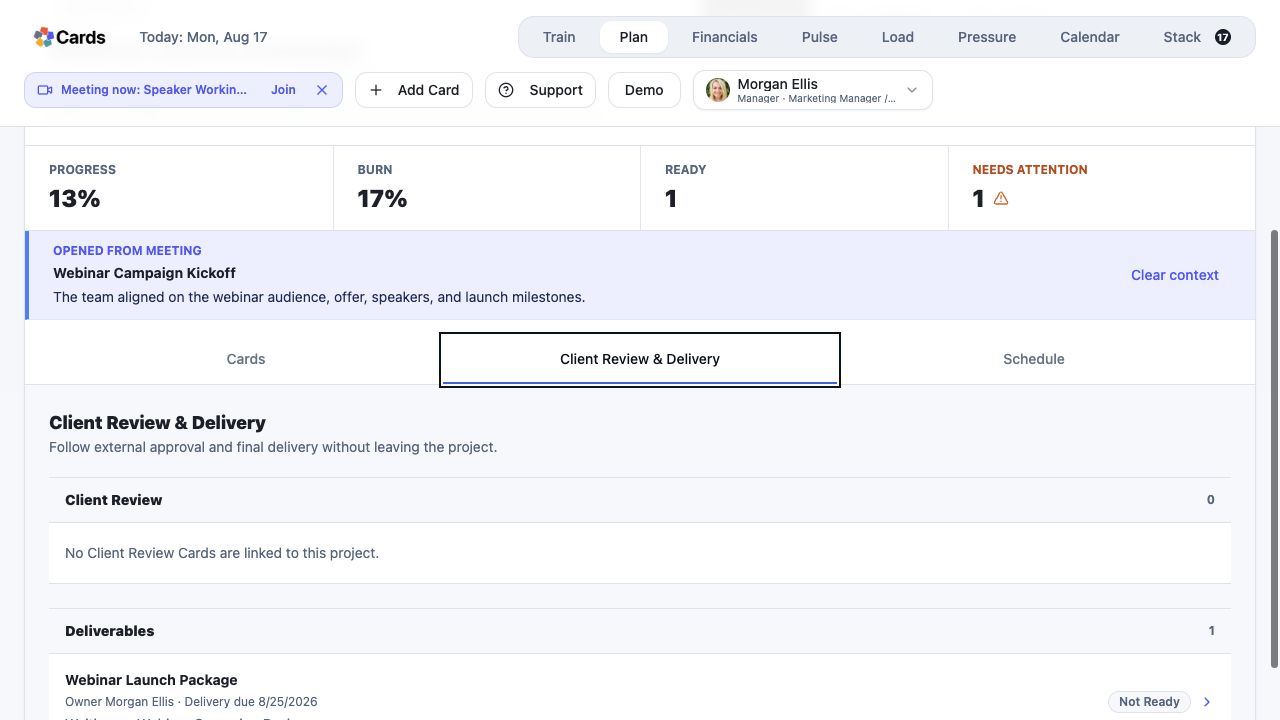 Confirm the next Deliverable becomes ready
Step 4 screen focusConfirm the next Deliverable or dependent Card becomes ready. - 05
Use Project history to trace the decision, handoff, and final result later.
Use Decision History to trace the outcome laterStep 5 screen focusUse Project history to trace the decision, handoff, and final result later.