
How It Works
Follow each step in Cards.
- CardBot produces a proposal, not live commitments.
- Permissions, validation, scheduling, and approval remain deterministic or human-controlled.
- 01
Open CardBot from the planning experience and provide a clear Project name, target date, Team, and brief.
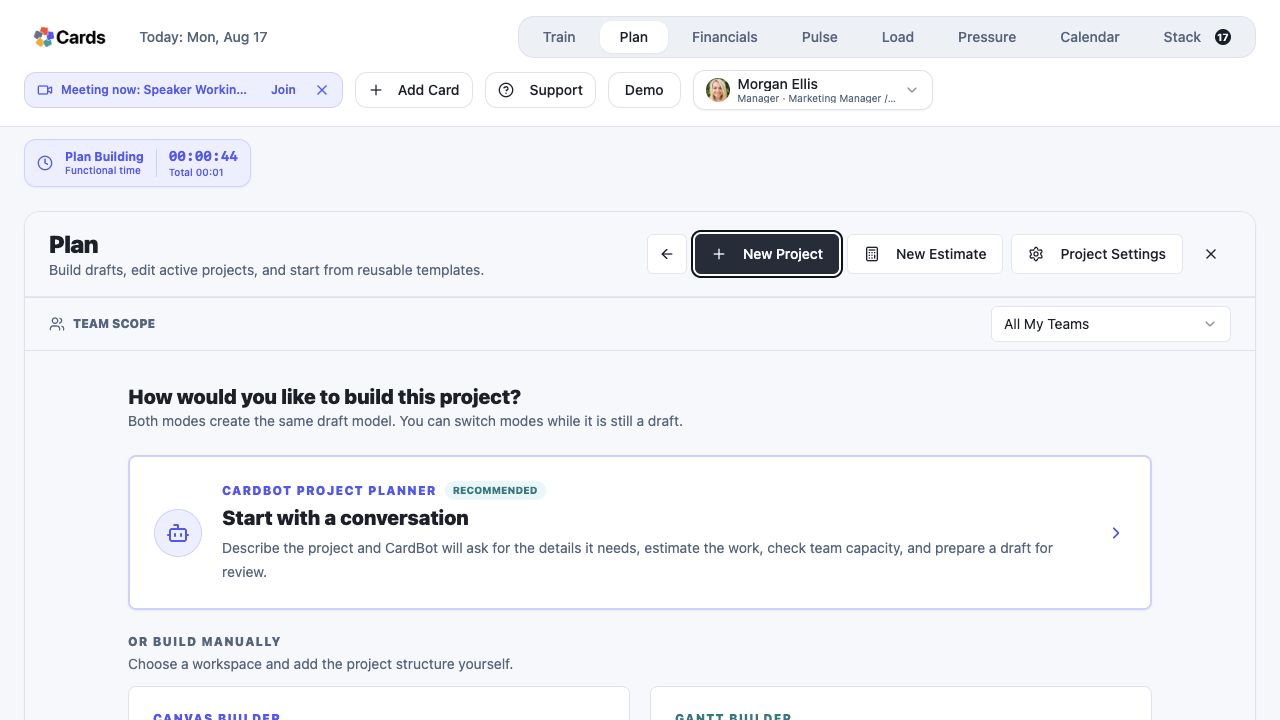 Choose CardBot Project Planner
Step 1 screen focusOpen CardBot from the planning experience and provide a clear Project name, target date, Team, and brief. - 02
Answer the clarification questions that materially change CardBot’s proposed scope and effort.
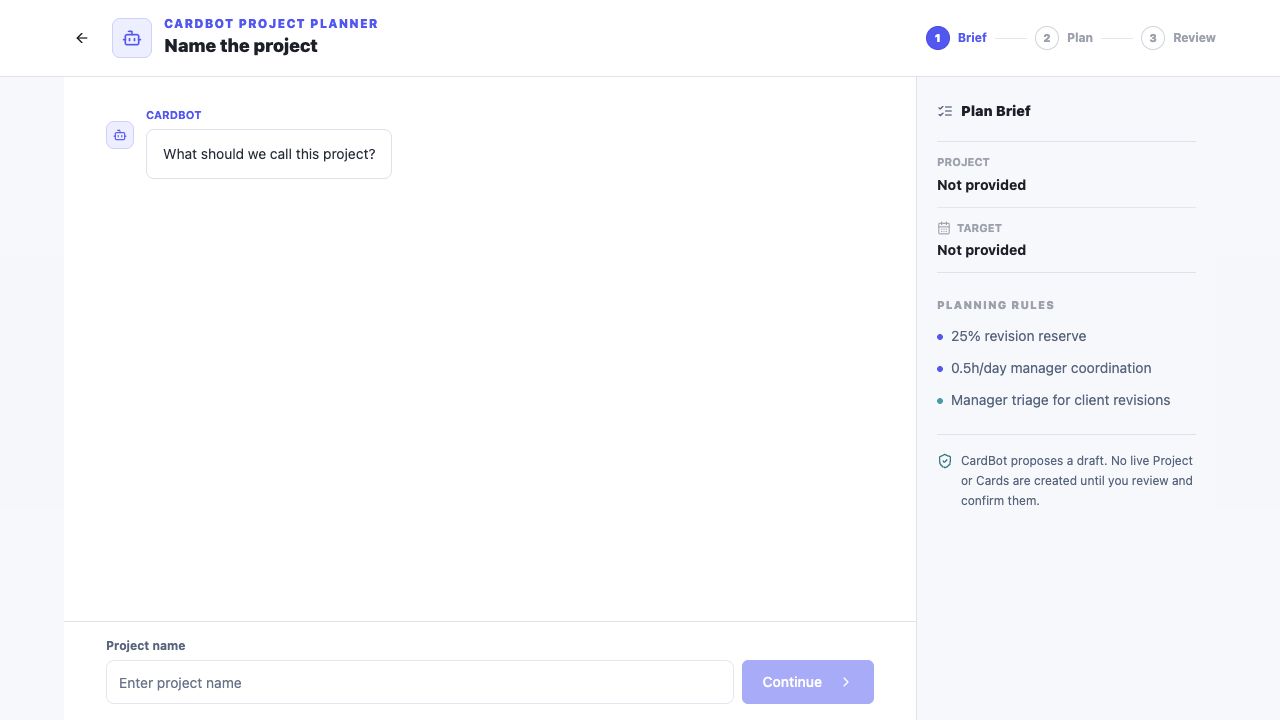 Answer CardBot’s planning questions
Step 2 screen focusAnswer the clarification questions that materially change CardBot’s proposed scope and effort. - 03
Review the proposed Card count, relationships, estimate, confidence, planning details, and assignments.
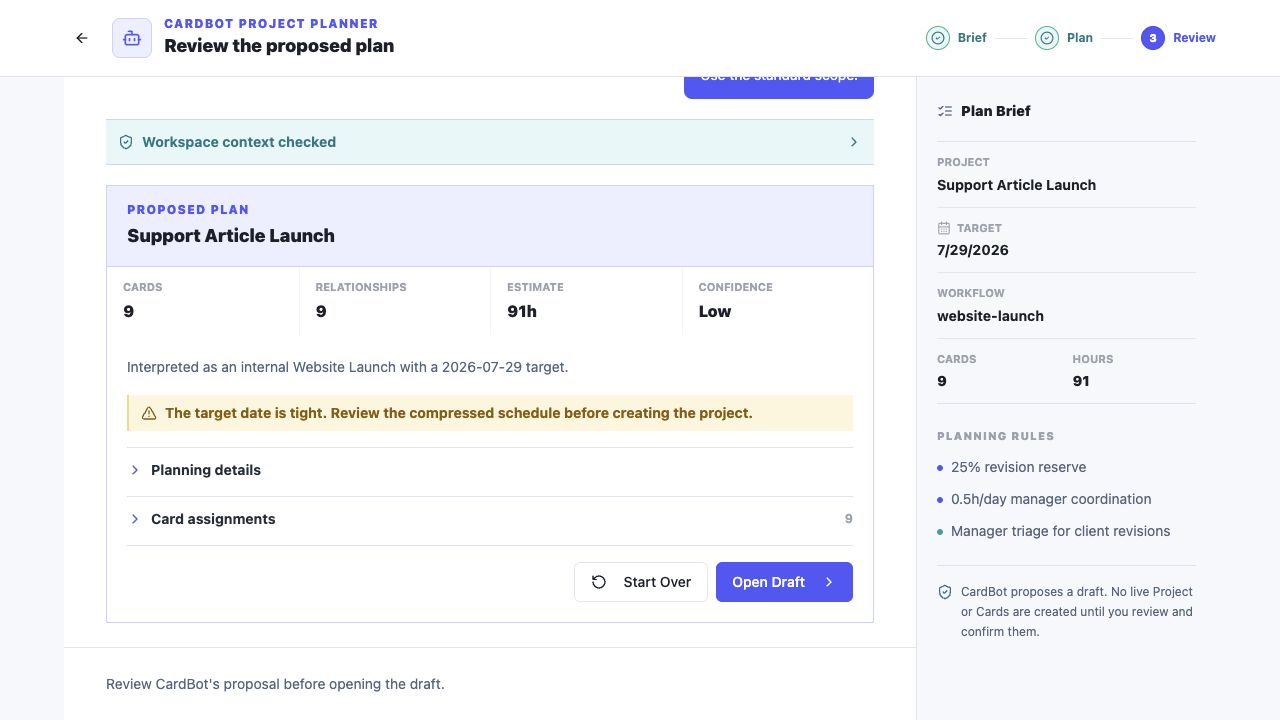 Review Cards, relationships, estimate, confidence, and assignments
Step 3 screen focusReview the proposed Card count, relationships, estimate, confidence, planning details, and assignments. - 04
Choose Open Draft only after the proposal is coherent, then correct names, scope, dates, assignments, privacy, and client visibility in the draft.
Choose Open Draft only after reviewing the proposalStep 4 screen focusChoose Open Draft only after the proposal is coherent, then correct names, scope, dates, assignments, privacy, and client visibility in the draft. - 05
Save or create the Project only when the edited draft accurately represents the work.
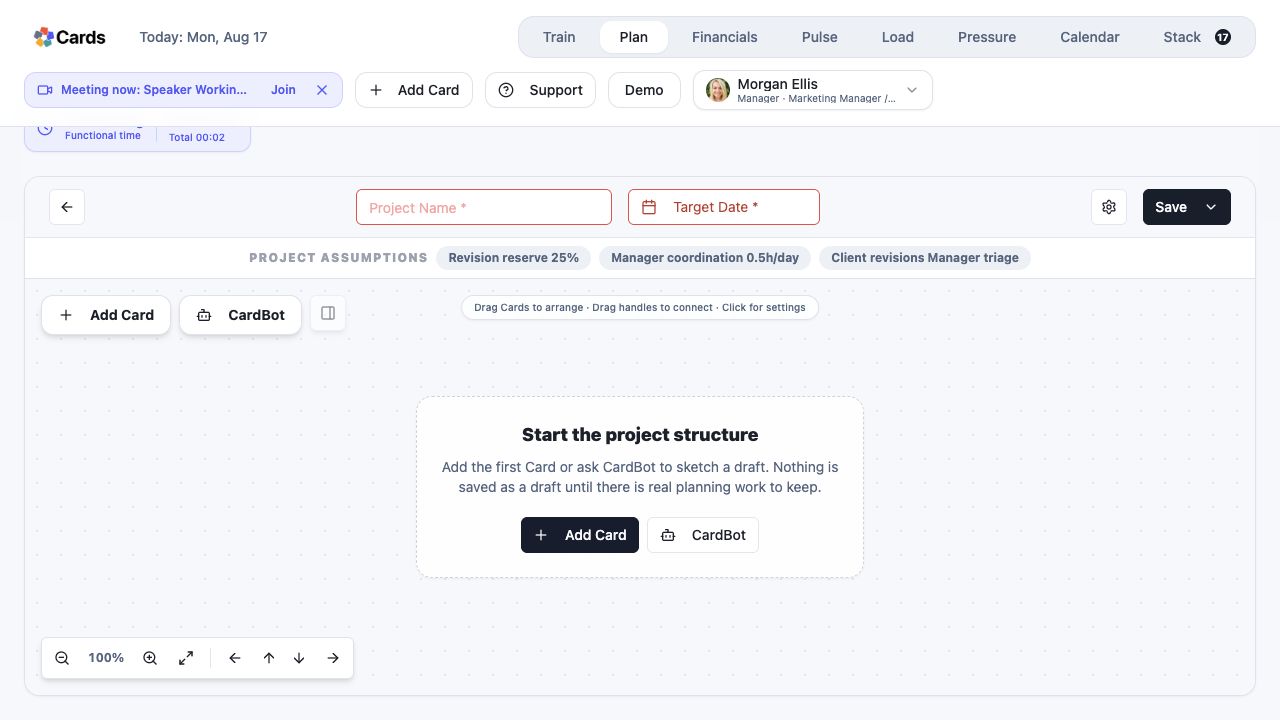 Edit and save the draft only when it represents the work
Step 5 screen focusSave or create the Project only when the edited draft accurately represents the work.