
How It Works
Follow each step in Cards.
- A draft is inert until a person approves its creation.
- Start with a real but manageable Project whose handoffs matter.
- 01
Open Plan and describe the Project outcome, client or organization, and target timing.
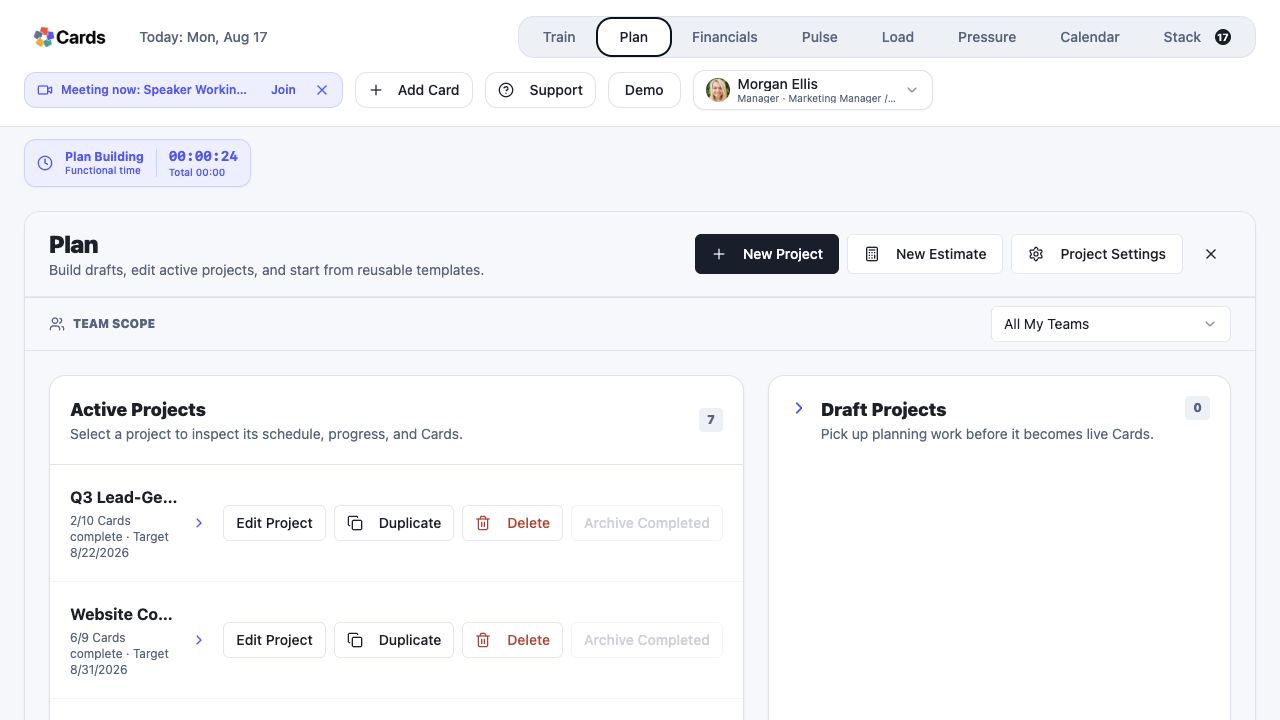 Open Plan and select New Project
Step 1 screen focusOpen Plan and describe the Project outcome, client or organization, and target timing. - 02
Add the Action, Review, Deliverable, Meeting, Question, and Help Cards the work may require.
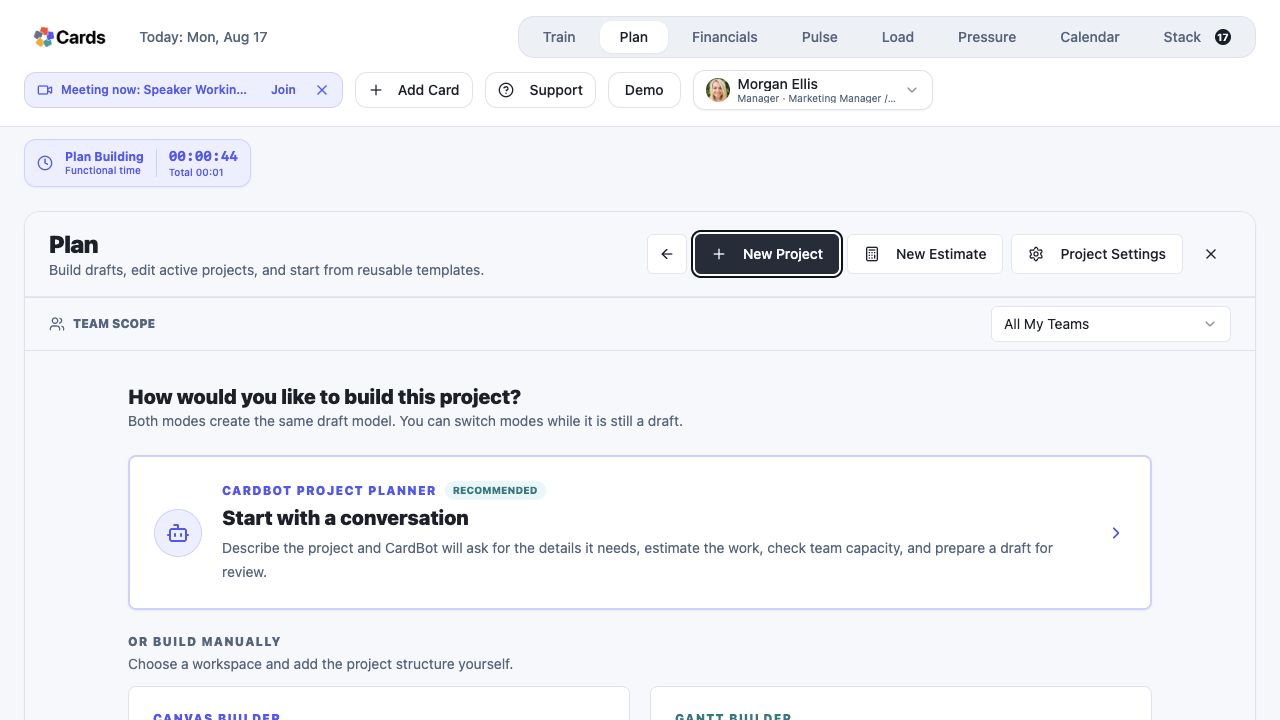 Choose CardBot, Canvas, or Gantt to build the Project
Step 2 screen focusAdd the Action, Review, Deliverable, Meeting, Question, and Help Cards the work may require. - 03
Connect dependencies and review gates in the order the work should move.
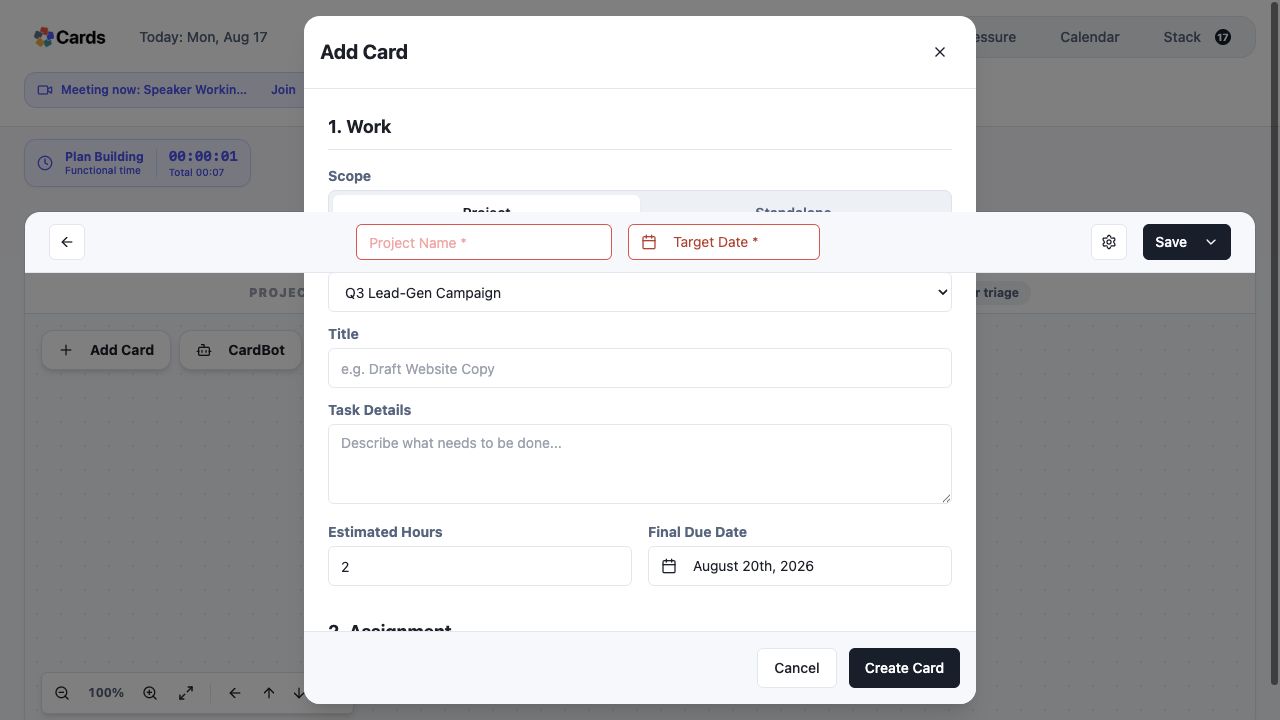 Add the Action, Review, and client handoff structure
Step 3 screen focusConnect dependencies and review gates in the order the work should move. - 04
Confirm assignments, estimates, dates, completion criteria, and client visibility.
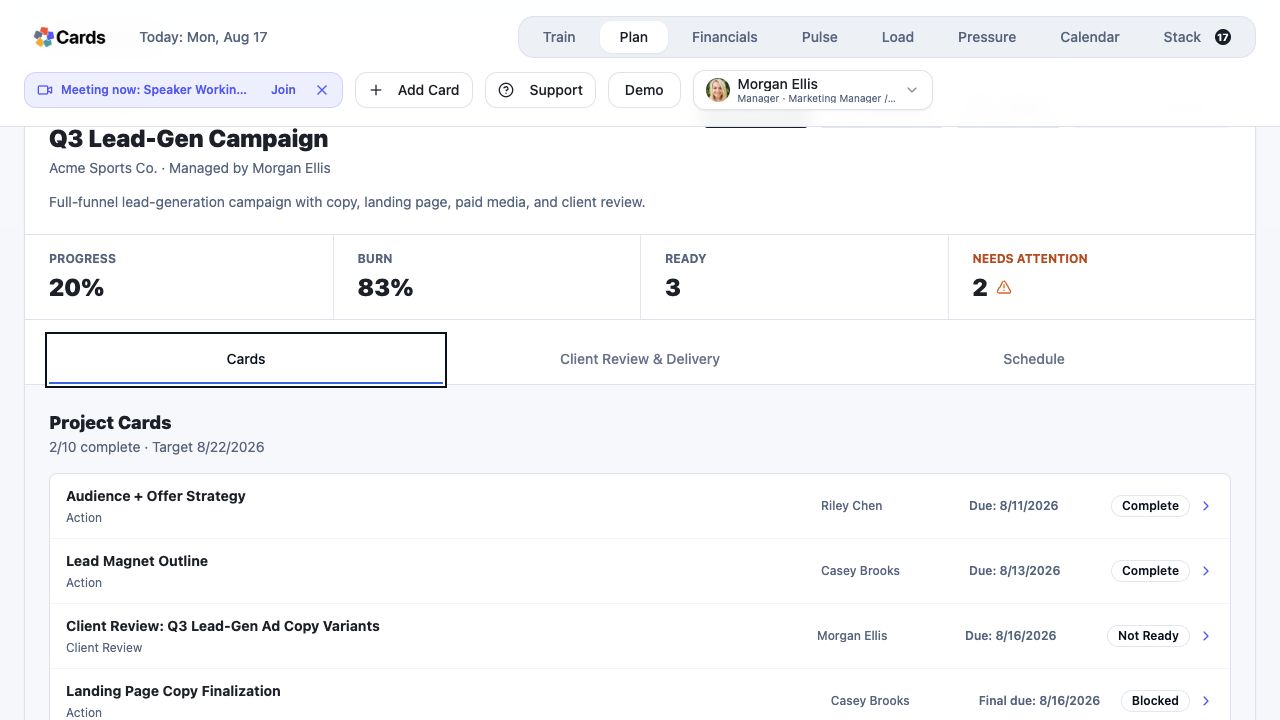 Confirm Card types, owners, dates, and readiness
Step 4 screen focusConfirm assignments, estimates, dates, completion criteria, and client visibility. - 05
Create the Project only after the Plan is ready for real commitments.
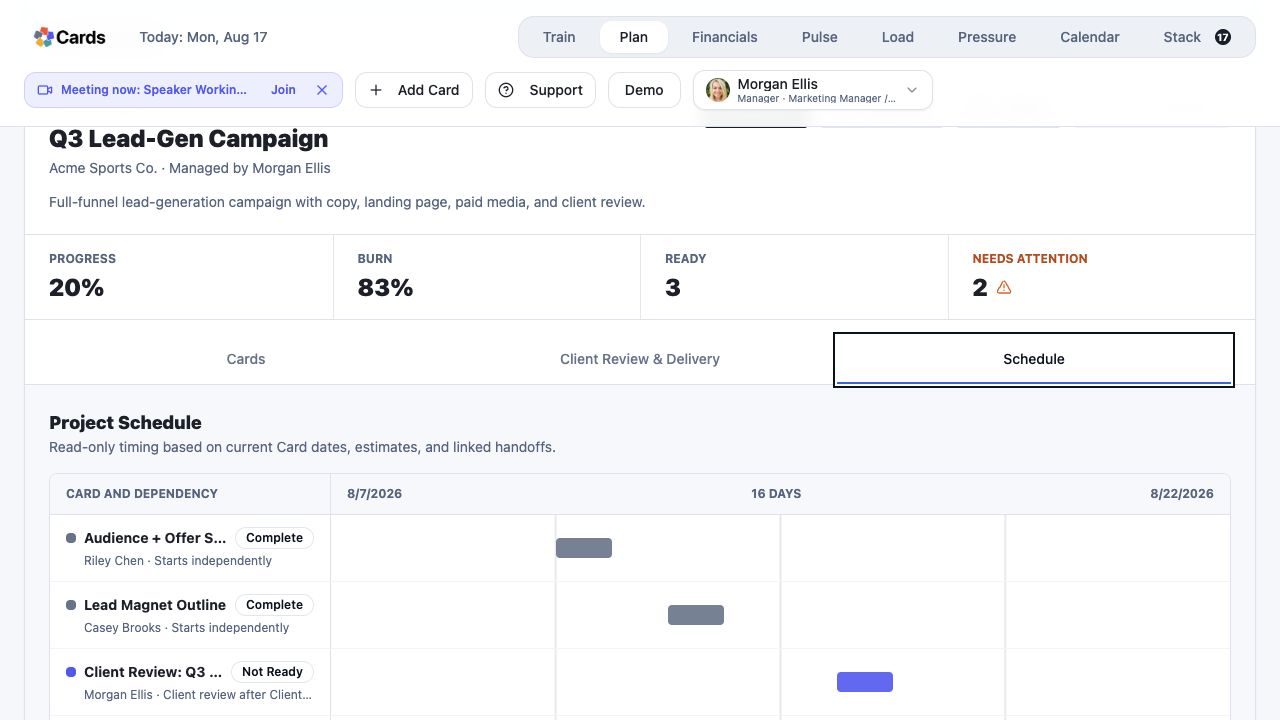 Review timing and dependencies before commitments change
Step 5 screen focusCreate the Project only after the Plan is ready for real commitments.