
How It Works
Follow each step in Cards.
- Do not overwrite the original decision or feedback.
- When revisions change agreed scope or timing, use the appropriate commercial or planning workflow.
- 01
Open the Review or Client Review Card containing the decision.
 Open the Review Card and its decision history
Step 1 screen focusOpen the Review or Client Review Card containing the decision. - 02
State the requested change clearly and identify the affected work.
Read the specific requested revisionStep 2 screen focusState the requested change clearly and identify the affected work. - 03
Route revision work through the connected Action and Review chain.
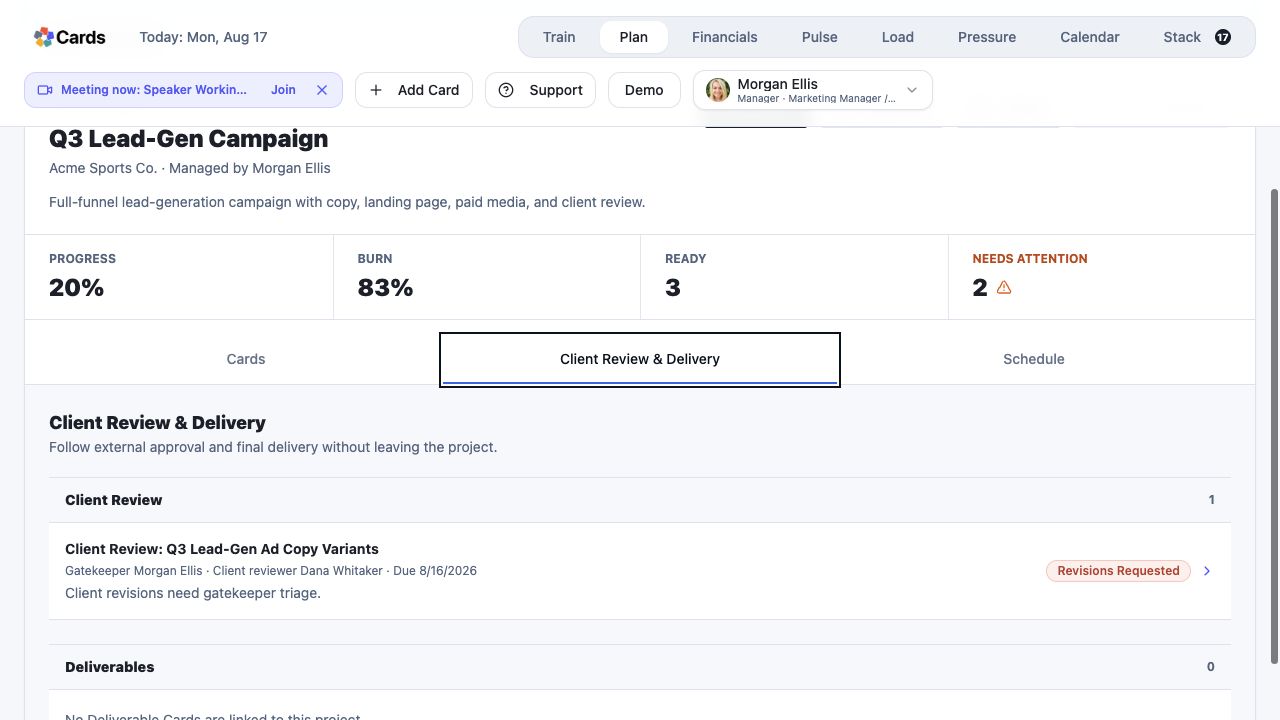 Follow the connected revision work from the Project
Step 3 screen focusRoute revision work through the connected Action and Review chain. - 04
Complete the revision with evidence and return it to the appropriate reviewer.
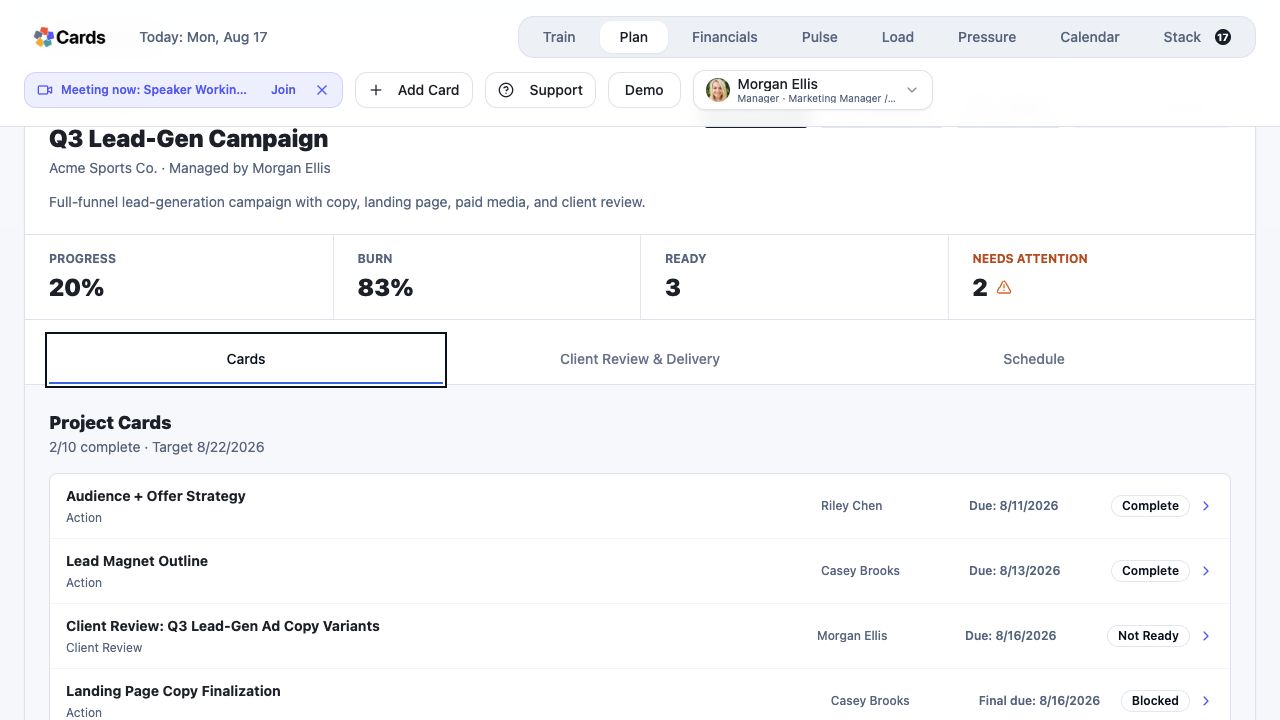 Return completed revisions to the connected reviewer
Step 4 screen focusComplete the revision with evidence and return it to the appropriate reviewer. - 05
Preserve the original feedback and final resolution in Project history.
Preserve the original feedback and final resolutionStep 5 screen focusPreserve the original feedback and final resolution in Project history.